
Have you ever wondered why your Google Ads get clicks but not conversions?
This is a common problem for businesses worldwide.
Ad costs rise every year, but results often stay flat.
The reason is rarely the ad copy.
Most campaigns fail because of weak targeting.
Google Ads has changed significantly.
AI-driven systems now decide who sees your ads, when, and where.
Features like Performance Max and automated bidding rely heavily on signals.
Without the right signals, Google’s AI optimizes in the wrong direction.
At the same time, search itself becomes more AI-driven.
Platforms like Google AI Overviews and conversational AI search tools influence how users discover brands.
This makes targeting more important than ever.
You no longer compete only on keywords.
You compete on intent, context, and relevance.
This article explains advanced Google Ads targeting strategies that actually convert.
You will learn how modern targeting works, why basic setups fail, and how to guide Google’s automation effectively.
Most importantly, you will see practical Google Ads optimization tips you can apply right now.
What Is Advanced Google Ads Targeting?
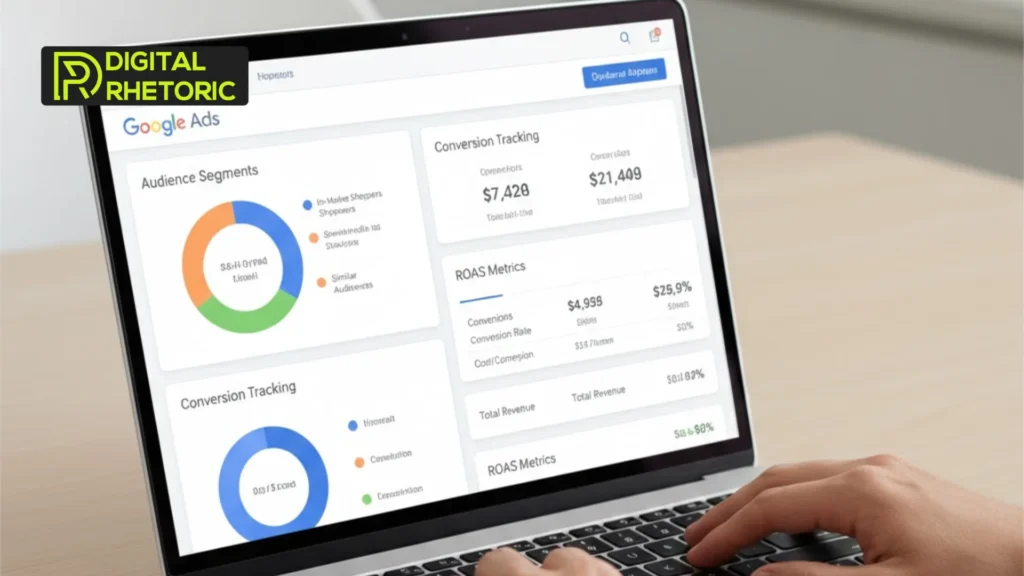
Advanced Google Ads targeting focuses on intent and conversion probability, not just reach.
It uses data signals to reach users most likely to take action.
This approach goes beyond basics like age or location.
It includes:
- Search intent and behavior
- Audience signals and interests
- First-party and conversion data
This is the foundation of advanced Google Ads targeting.
Why Advanced Targeting Matters More Today
Google Ads automation depends on the quality of your targeting signals.
AI systems optimize faster when guidance is clear.
Without strong signals, automation wastes budget.
Key reasons advanced targeting matters:
- Rising CPCs reduce margin for error
- AI bidding relies on audience signals
- Broad targeting attracts low-intent clicks
Strong targeting improves both efficiency and conversions.
Benefits of Advanced Google Ads Targeting
Advanced targeting improves conversion quality, not just volume.
It aligns spend with real business outcomes.
Key benefits include:
- Lower cost per conversion
- Higher lead or purchase quality
- Faster campaign learning
- Better return on ad spend
These benefits compound over time.
Advanced Google Ads Targeting Strategies That Work
How should businesses segment audiences for conversions?
High-intent segmentation converts better than broad targeting.
Focus on users already close to a decision.
Effective audience types include:
- In-market audiences
- Custom intent audiences
- Competitor and category-based segments
These users show buying signals.

How does first-party data improve Google Ads performance?
First-party data gives Google clear conversion signals.
It helps AI understand who actually converts.
Useful first-party sources include:
- Website visitors
- Past customers
- CRM or email lists
This data improves bidding and targeting accuracy.
How does Performance Max targeting actually work?
Performance Max targeting performs best when guided with strong signals.
Google’s automation is powerful but not independent.
Best practices include:
- Adding audience signals as starting points
- Optimizing assets for intent, not just branding
- Defining clear conversion actions
This approach strengthens Performance Max targeting.
Google Ads Optimization Tips for Better Targeting
Optimization is about layering signals, not replacing them.
Avoid relying on one targeting method.
Smart optimization includes:
- Combining keywords with audiences
- Aligning targeting with landing page intent
- Excluding irrelevant search terms and placements
These Google Ads optimization tips reduce waste.
Mini Case Study: Targeting That Improves Conversions
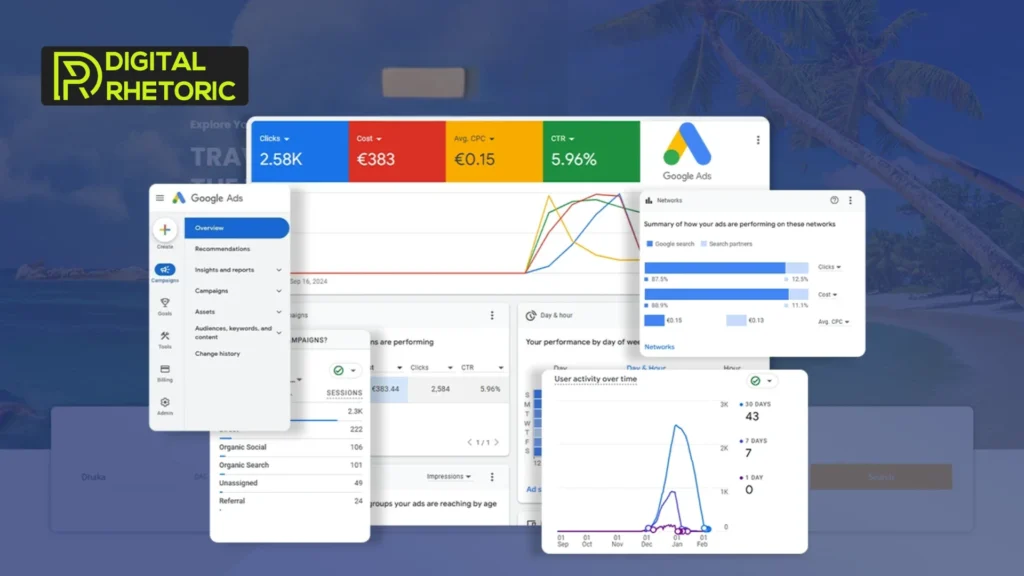
A global B2B service brand struggles with high CPA despite strong traffic.
Clicks look good, but leads are poor quality.
The solution focuses on targeting refinement.
Changes include:
- Removing broad audience expansion
- Adding custom intent segments
- Improving Performance Max asset relevance
Results show:
- Lower cost per conversion
- Better lead quality
- Faster learning cycles
This demonstrates real Google Ads conversion strategies in action.
Common Targeting Mistakes to Avoid
Many campaigns fail because of avoidable targeting errors.
Common mistakes include:
- Relying only on keywords
- Trusting automation without signals
- Ignoring audience insights
- Chasing traffic instead of conversions
Avoiding these improves long-term performance.
Conclusion
Advanced Google Ads targeting determines whether ads convert or fail.
AI-driven advertising rewards clarity, intent, and structure.
Broad targeting no longer works in competitive markets.
By focusing on high-intent audiences, first-party data, and guided automation, businesses improve results consistently.
Performance Max targeting becomes powerful when signals are strong.
Google Ads optimization tips matter only when targeting is precise.
Digital Rhetoric works as an AI-first performance partner, not a generic agency.
We help businesses guide Google’s automation instead of guessing.
If your ads bring clicks but not conversions, it is time to fix targeting.